Work
J.O.B.S. Tracker
4 Jun 2026
A web app for building maintenance, turned Google Sheet.
Background
This was an ever changing project to manage maintenance tasks for a charity building. Initially, a React web app was prototyped and tested, but after some internal process changes, the charity opted to use a Google Sheet database to manage their maintenance tracking.
Onboarding & Early Ideas
The brief consisted of a few key points:
- ‘Our current system is paper cards’
- ‘Lots of jobs are being missed’
- ‘We need a foolproof system to help us keep up with it’.
So I suggested a web app. It would have:
- Basic email and password authentication Better auth
- A Prisma database behind it to handle both one off tasks and the recurring tasks
- Different user accounts for admin and users, with dynamic rendering for each
That way, tasks can’t fall through the cracks as all due tasks appear in the dashboard of the admin, and they can assign them to the users to do, with information on how to complete the task allowing with the job.
Prototype of the React App
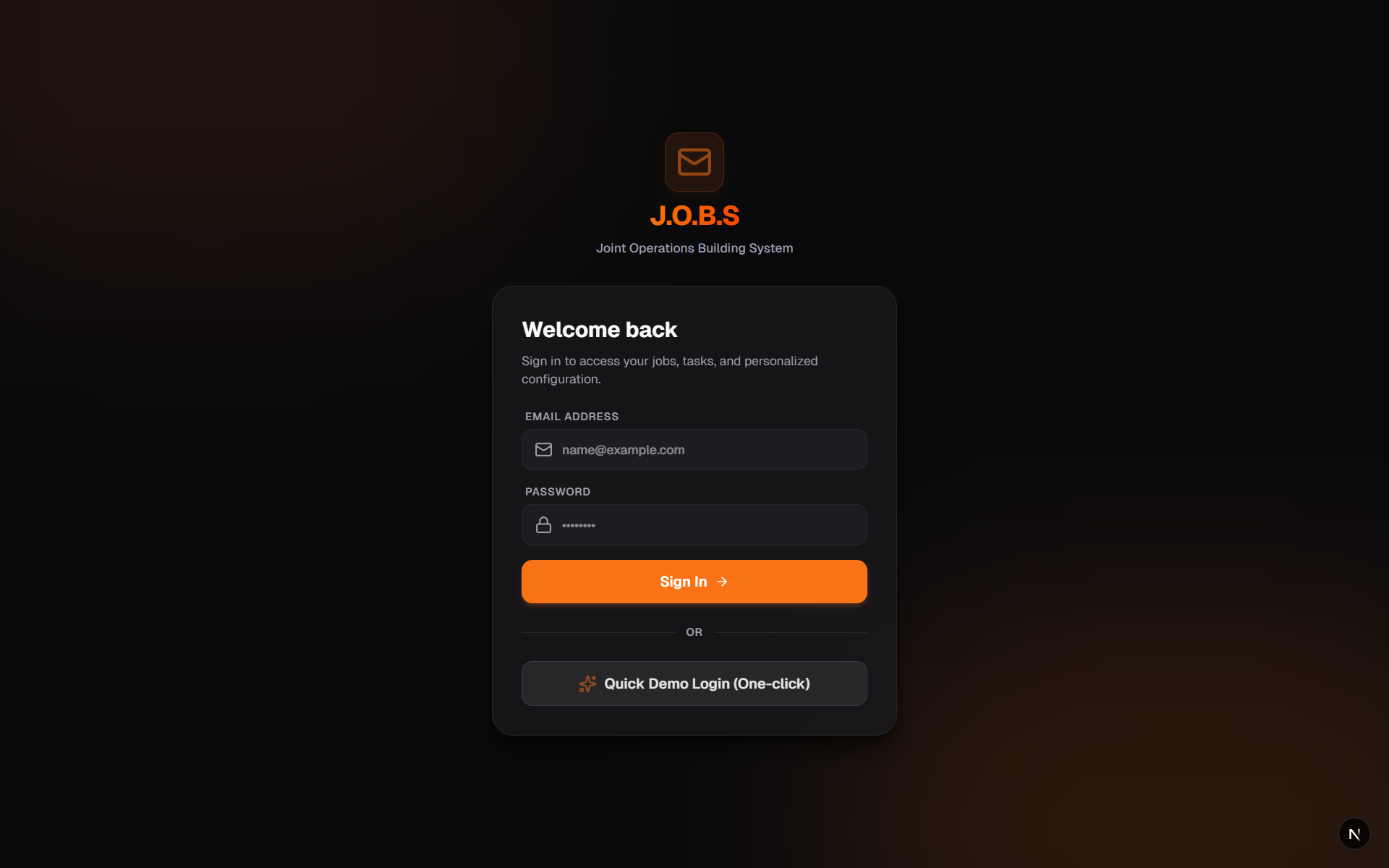
This prototype was created by me doing the Prisma database and basic outline, then styled and formatted by Antigravity AI to speed up the prototyping stage.
The client was very happy with the result, but due to changes in their internal processes, it became necessary to change the approach. Instead they were only to have a few people handle the admin side, with no user interaction. This meant that they would hand out the jobs manually.
After some thought and discussion with the client, we ended on a Google Sheet database. This was deemed to be, not only the simplest approach, but also took into account long-term sustainability and the skillset of the users.
The Build
The work I had already completed on the web app, was integral to the initial build of the Google Sheets database. The column structure was modelled on the Prisma architecture, which allowed for a quicker set up and ensured familiarity for the client.
Similarly, the JavaScript logic coupled with CSS, was replaced with standard formulas for basic functionality and then I used AppScripts for features requiring more robust logic.
Finally, visual cues were emphasised using conditional formatting, which was important to the client and very much in line with the brief. It allowed users to see key information at a glance, for example, overdue tasks, tasks requiring follow-up work and assignments.
Outcome & Key Takeaways
Outcome
The final product gave them exactly what they needed:
- A simple way to manage tasks
- Solution was not too complicated and they felt confident in training others
- A robust method with long-term sustainability
Despite the mid-development changes, the finished product satisfied all parties and provided me with an additional learning opportunity.
Key takeaways
Even though the React web app was not rolled out, building it provided invaluable training in live backend databases, as well as the most effective way to present the frontend. As mentioned, the mid-development change allowed me to approach the task from another angle. This provided a learning opportunity, not only in using a different tool but it also improved my adaptability skills. I’m glad of the change in approach, as it opened me up to new ways of working and how the user experience is the most important thing. As a result, I am keen to learn more about tools such as Google apps, Microsoft 365 suite of apps and things like these.